
A mail merge template letter allows you to insert constituent fields into your letter so that you can use the same letter for many constituents at once, and each letter will be personalized for each constituent. Instead of using a form letter and typing the name, address, salutations, amount and date information into each letter individually, the software will pull the data from your grid's view and populate those fields automatically. This can greatly improve the speed and accuracy of your acknowledgement process.
You do not need to know coding or any computer programming language, but you do need to be familiar with the various fields available in your records so that you can choose which ones you would like to include in your letters.
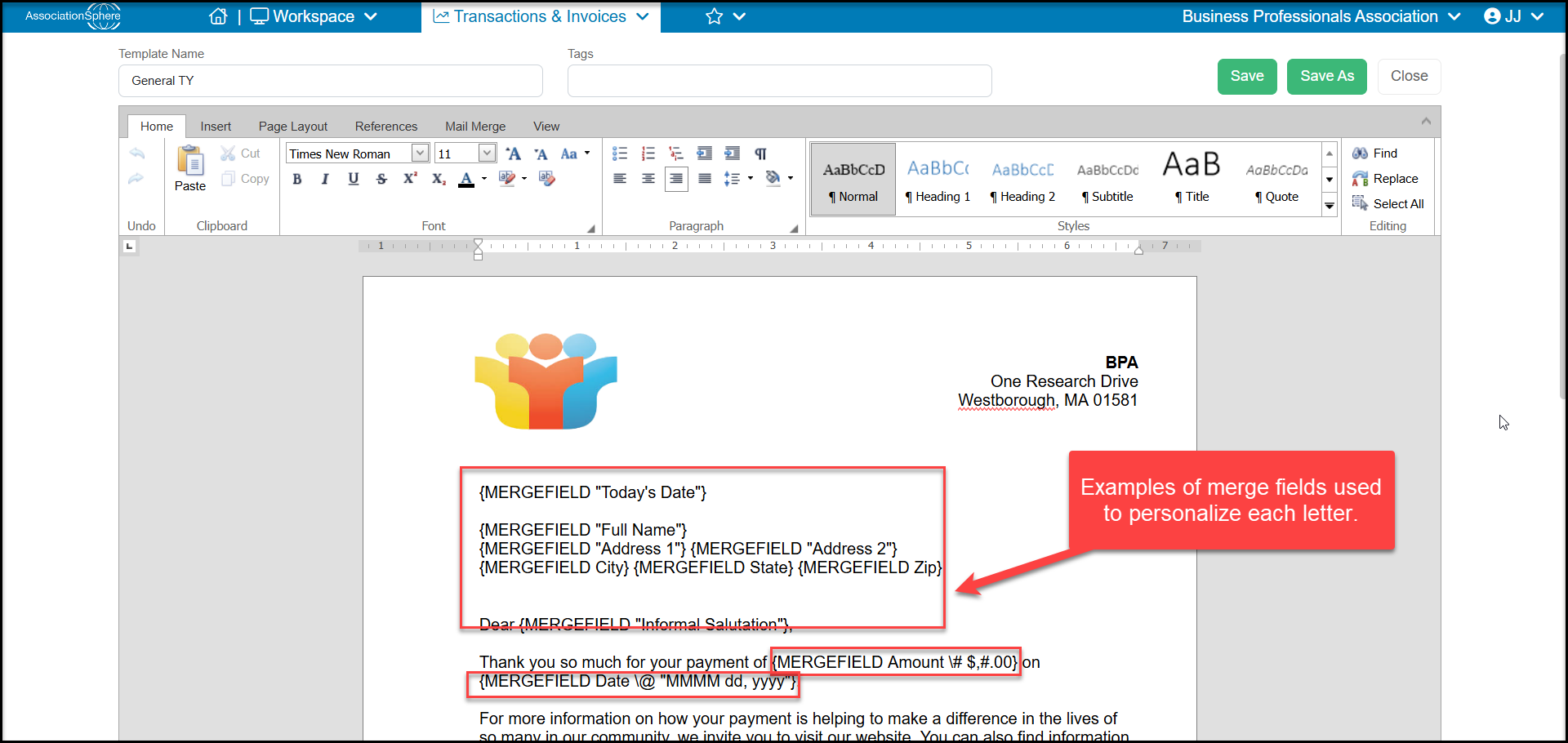
The mail merge fields that are available are those associated with the module for that library. For example, the the Mail Merge Membership Templates will have access to the constituent's contact information and invoices, however it will not have access to merge fields related to events or memberships.
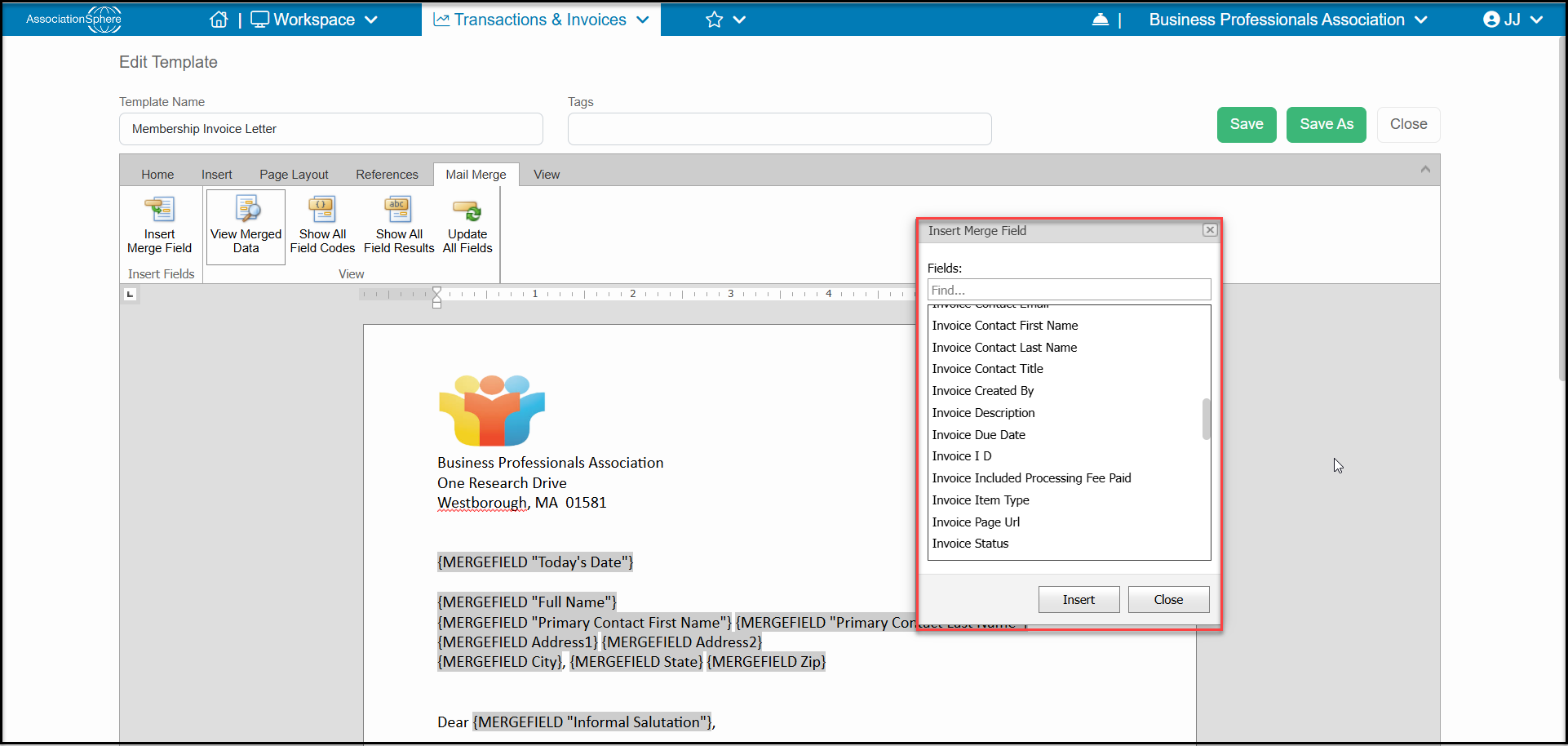
To learn how to create a mail merge template, see this article "How do I create a Mail Merge Template?"