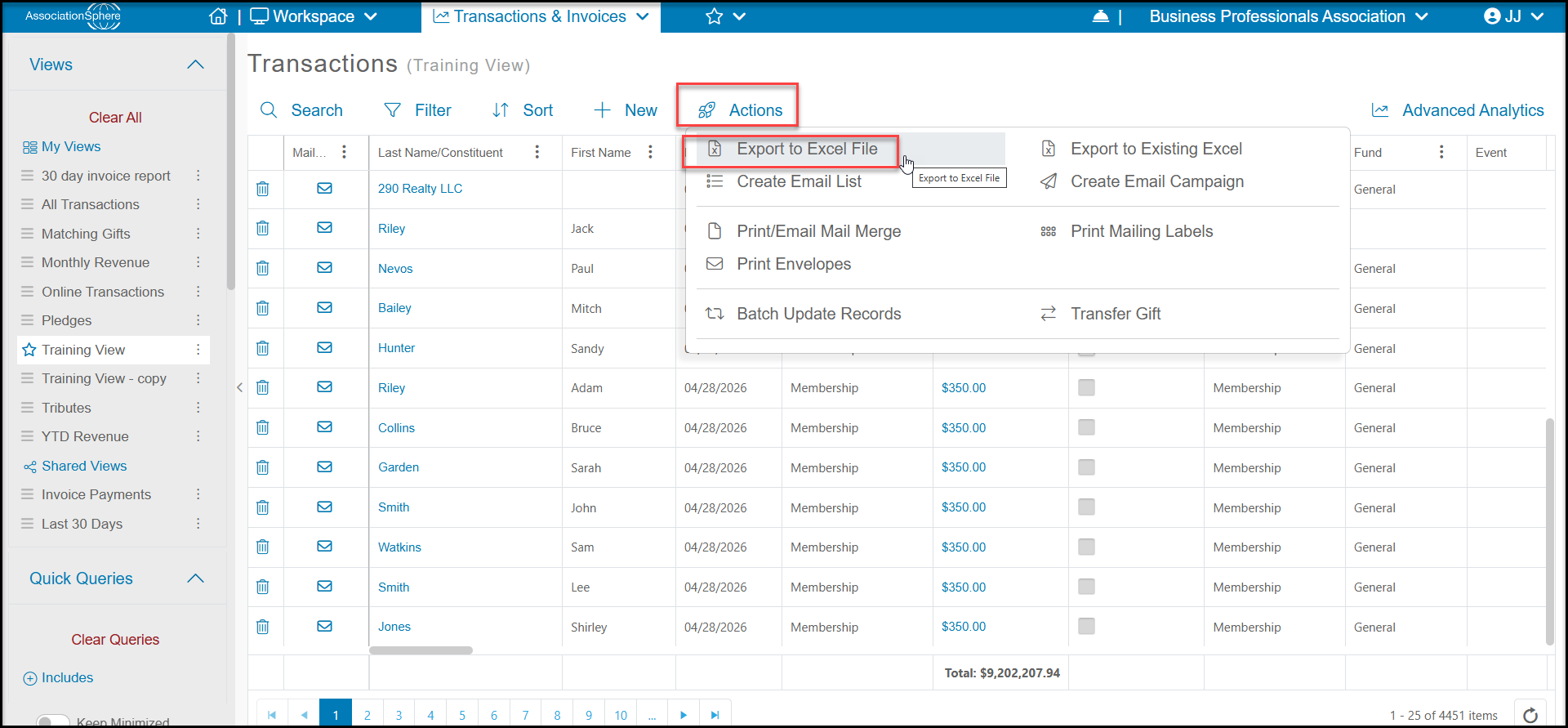
Yes, you can export the current view of your transactions to an Excel file by selecting Actions and then selecting Export to Excel File.
The exported data will include all the rows and columns currently included in the view.
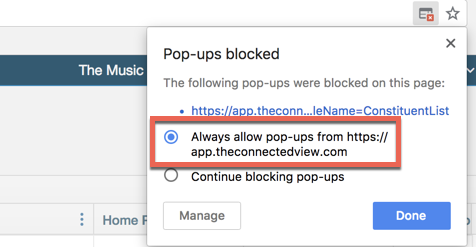
The excel spreadsheet should download in your web browser automatically. For large files with many records, it may take several minutes for the download to complete. If it does not download, please be sure that your pop-up blocker disabled.
In Chrome, click on the small red X on the top right side of the search bar and change to Always allow pop-ups.