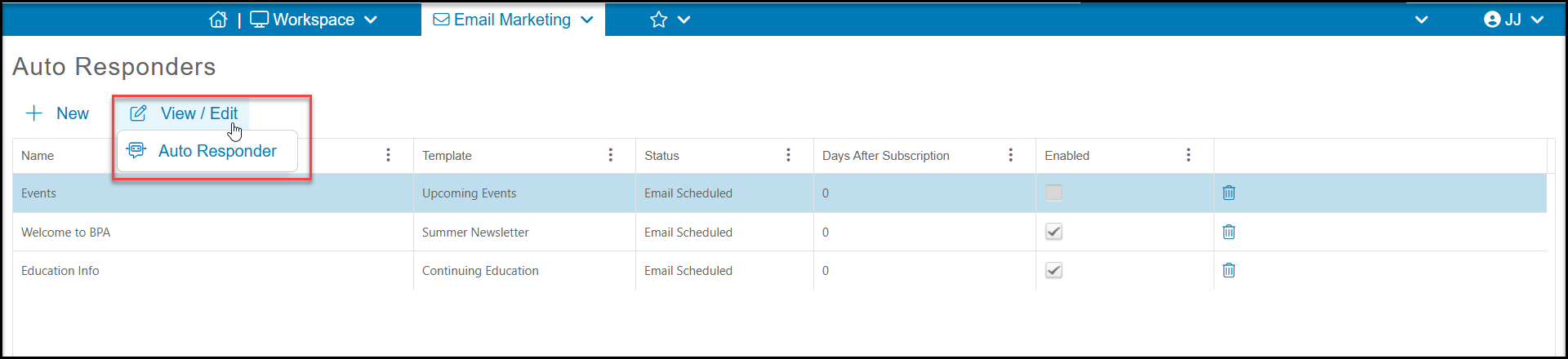
To edit an autoresponder, select it by clicking in its row on the grid to reveal the View/Edit option. Then click Auto Responder. You can edit the name, email sender info, schedule, and template as needed.

Modified on: Thu, 9 Jul, 2026 at 9:44 AM
To edit an autoresponder, select it by clicking in its row on the grid to reveal the View/Edit option. Then click Auto Responder. You can edit the name, email sender info, schedule, and template as needed.
Did you find it helpful? Yes No
Send feedback